Guide

Cars

Buying a connected used car: apps, accounts and keys at handover

Ask who controls the car's connected services, confirm the manufacturer's ownership-change route and record the digital handover alongside the keys.
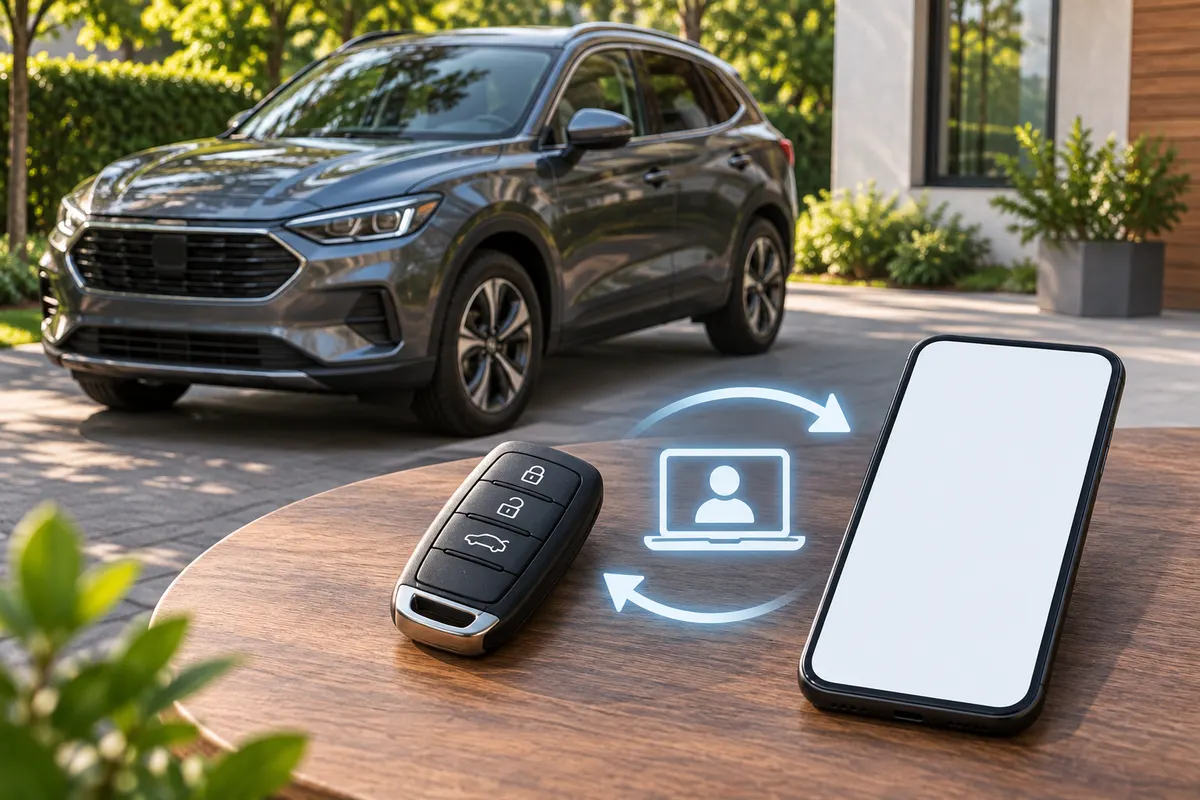
Illustration of car keys and a blank phone for a connected-car handover

If a used car has connected services, ask the manufacturer how to remove the previous owner's vehicle access and enrol the buyer. Record the result separately from the RC application and physical-key handover. Confirm features and subscription eligibility for the actual car; do not assume the seller's app login or remaining subscription can simply be passed to you.

Find out what is connected

Ask the seller which manufacturer apps, other vehicle apps and added devices are used with the car. Ask who has shared access and whether any service is active. Make a list before collection so an unresolved account does not become a surprise afterwards.

The reason to check is practical. Hyundai India's Bluelink overview lists features such as remote door control, vehicle location and app sharing, with availability depending on the model and feature. This does not mean every Hyundai, or every connected used car, has those capabilities. Confirm the actual vehicle's equipment and service status..

Ask for the ownership-change route

Use the manufacturer's official India support channel or an authorised dealer. Ask what evidence they need, what the seller must do and how the buyer can confirm completion. If the car still appears against another account, resolve it through that process instead of using the previous owner's identity.

Do not assume the correct solution is taking over the seller's password. Hyundai India's current integrated-account terms prohibit sharing an ID and password with a third party and prohibit transferring the account's rights and status. Those terms are one brand's example; ask the relevant provider about its own process.

Deal with personal data and physical access separately

Ask the seller to use the relevant manual and provider instructions to remove personal information from the car and end vehicle access. Check stored phone pairings, contacts, saved destinations and user profiles where fitted. Do not assume a screen reset also completes a provider's account change; ask the provider how to verify both tasks.

Count the physical keys and remotes included in the sale and test them with permission. Ask about missing keys and any model-specific action a dealer recommends. An app demonstration does not answer the physical-key question, just as collecting two keys does not answer the account question.

Make the unresolved work visible

Use this handover note without recording passwords or authentication codes:

Vehicle and connected-service provider: to confirm; Seller and buyer actions confirmed by provider: to confirm; Previous vehicle access removed / confirmation still needed: to confirm; Buyer enrolment and service eligibility confirmed: to confirm; Personal-data removal completed according to instructions: to confirm; Keys and remotes received; missing item and agreed action: to confirm; Support reference and remaining task owner: to confirm;

If a service is important to your purchase, get the eligibility answer before paying on the strength of it. Keep the ownership paperwork, insurance arrangements and any FASTag work on their own checklists; finishing one does not confirm the others.

Common questions

Can the seller just give me their app password?

Use the provider's ownership-change process. Some account terms explicitly prohibit sharing or transferring the account.

Will a factory reset transfer the connected services?

Confirm with the manufacturer for the actual car and system. Do not treat a cleared screen as evidence that every account or subscription task is complete.

Sources

Reviewed . Check the current instructions for your vehicle before applying.

Browse used cars and bikes

This guide provides general consumer education. Verify current requirements and fees with your local Jammu & Kashmir RTO.

Checks vary by vehicle. A verified listing does not automatically mean a full physical inspection.

All guides
Cars
4 min read

Buying a connected used car: apps, accounts and keys at handover

Illustration of car keys and a blank phone for a connected-car handover

If a used car has connected services, ask the manufacturer how to remove the previous owner's vehicle access and enrol the buyer. Record the result separately from the RC application and physical-key handover. Confirm features and subscription eligibility for the actual car; do not assume the seller's app login or remaining subscription can simply be passed to you.

Find out what is connected

Ask the seller which manufacturer apps, other vehicle apps and added devices are used with the car. Ask who has shared access and whether any service is active. Make a list before collection so an unresolved account does not become a surprise afterwards.

The reason to check is practical. Hyundai India's Bluelink overview lists features such as remote door control, vehicle location and app sharing, with availability depending on the model and feature. This does not mean every Hyundai, or every connected used car, has those capabilities. Confirm the actual vehicle's equipment and service status..

Ask for the ownership-change route

Use the manufacturer's official India support channel or an authorised dealer. Ask what evidence they need, what the seller must do and how the buyer can confirm completion. If the car still appears against another account, resolve it through that process instead of using the previous owner's identity.

Do not assume the correct solution is taking over the seller's password. Hyundai India's current integrated-account terms prohibit sharing an ID and password with a third party and prohibit transferring the account's rights and status. Those terms are one brand's example; ask the relevant provider about its own process.

Deal with personal data and physical access separately

Ask the seller to use the relevant manual and provider instructions to remove personal information from the car and end vehicle access. Check stored phone pairings, contacts, saved destinations and user profiles where fitted. Do not assume a screen reset also completes a provider's account change; ask the provider how to verify both tasks.

Count the physical keys and remotes included in the sale and test them with permission. Ask about missing keys and any model-specific action a dealer recommends. An app demonstration does not answer the physical-key question, just as collecting two keys does not answer the account question.

Make the unresolved work visible

Use this handover note without recording passwords or authentication codes:

Vehicle and connected-service provider: to confirm; Seller and buyer actions confirmed by provider: to confirm; Previous vehicle access removed / confirmation still needed: to confirm; Buyer enrolment and service eligibility confirmed: to confirm; Personal-data removal completed according to instructions: to confirm; Keys and remotes received; missing item and agreed action: to confirm; Support reference and remaining task owner: to confirm;

If a service is important to your purchase, get the eligibility answer before paying on the strength of it. Keep the ownership paperwork, insurance arrangements and any FASTag work on their own checklists; finishing one does not confirm the others.

Frequently Asked Questions

Can the seller just give me their app password?

Use the provider's ownership-change process. Some account terms explicitly prohibit sharing or transferring the account.

Will a factory reset transfer the connected services?

Confirm with the manufacturer for the actual car and system. Do not treat a cleared screen as evidence that every account or subscription task is complete.

Sources

Reviewed . Check the current instructions for your vehicle before applying.

Disclaimer: This guide provides general consumer education. Always verify active requirements and fee structures directly with your local Jammu & Kashmir RTO.